
FASTPANEL
Приложение VPS в один клик
A user-friendly hosting control panel for managing websites and server services on a Linux VPS. Create domains and websites, configure databases and mail accounts, issue SSL certificates, and manage files from a single dashboard. Built-in monitoring, security settings, access controls, and scheduled backups make day-to-day hosting administration more convenient.


Информация
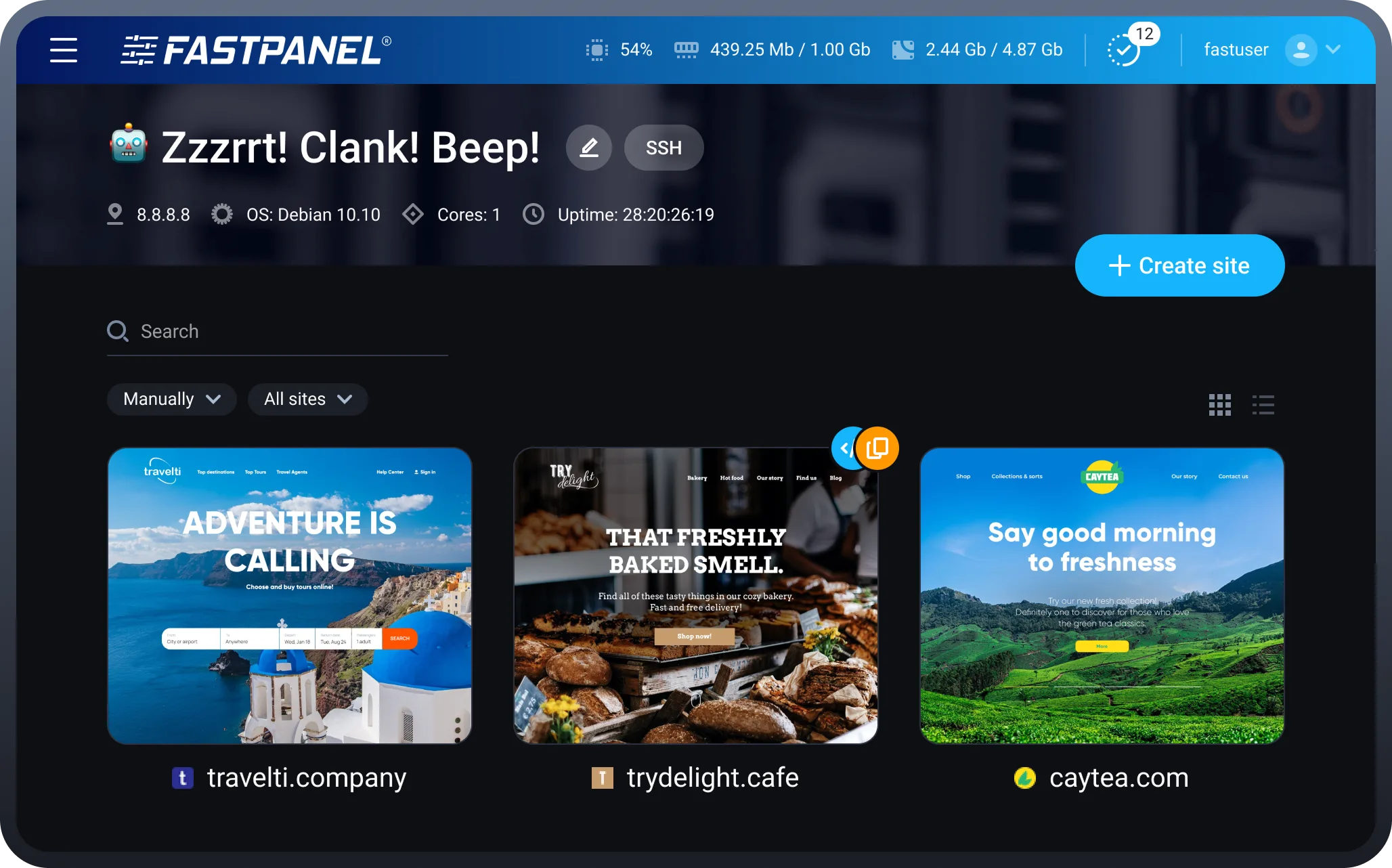
FASTPANEL is a modern web hosting control panel created to make hosting and website administration as simple and efficient as possible. It offers full control over server resources, supports a wide range of features for managing web applications, domains, and email, and comes with a user-friendly interface. With tools for backup automation, SSL certificate management, access control, and security, FASTPANEL helps both beginners and experienced administrators quickly deploy, configure, and maintain websites on Linux servers.
Core Features
- Creating a Site in a Few Clicks: A simple and intuitive interface that allows you to create new sites in just a few clicks. You can choose a domain name, set site parameters, and deploy the site on your hosting without manually configuring the server.
- Domain, Database, Email Management: Complete control over your domains, databases, and email accounts. Easily add, remove, and configure domains, create and manage databases, set up mailboxes, and manage mail settings.
- SSL Certificate Support: FASTPANEL is integrated with reputable certification authorities, allowing you to obtain and install SSL certificates for your websites. This ensures secure connections for visitors and increases the credibility of your web resources.
- File Manager and SSH Client: FASTPANEL provides an intuitive file manager for easy file and folder management on your hosting. You can also access the server via the built-in SSH client.
- Website Backup Setup: Easily back up your websites and databases with a simple interface. You can schedule automatic backups or create them manually to ensure data security and reliability.
- Ai-bolit Automatic Virus Scanner: FASTPANEL includes the built-in Ai-bolit automatic website scanner to detect and analyze potentially malicious code and vulnerabilities, keeping your web projects protected.
- PHP Version Selection and Configuration: Choose and configure the PHP version for each site individually, ensuring compatibility and optimal performance for your web applications.
- Website Optimization Tools: A range of tools helps optimize your site's performance on the server: data caching, file compression, and database optimization, along with resource monitoring and settings for efficient server usage.
Getting Started After FASTPANEL Deployment
After completing your payment, you will receive an email at the address provided during registration notifying you that your server is ready. This email will include the IP address of your VPS and login credentials to access the FASTPANEL web interface:
- Link: Provided in your deployment email
- User: Provided in your deployment email
- Password: Provided in your deployment email
Initial Setup
After logging into FASTPANEL, users are greeted with a convenient main menu that provides quick access to all key features and helps easily navigate the control panel. This menu serves as the starting point for managing your server and websites:
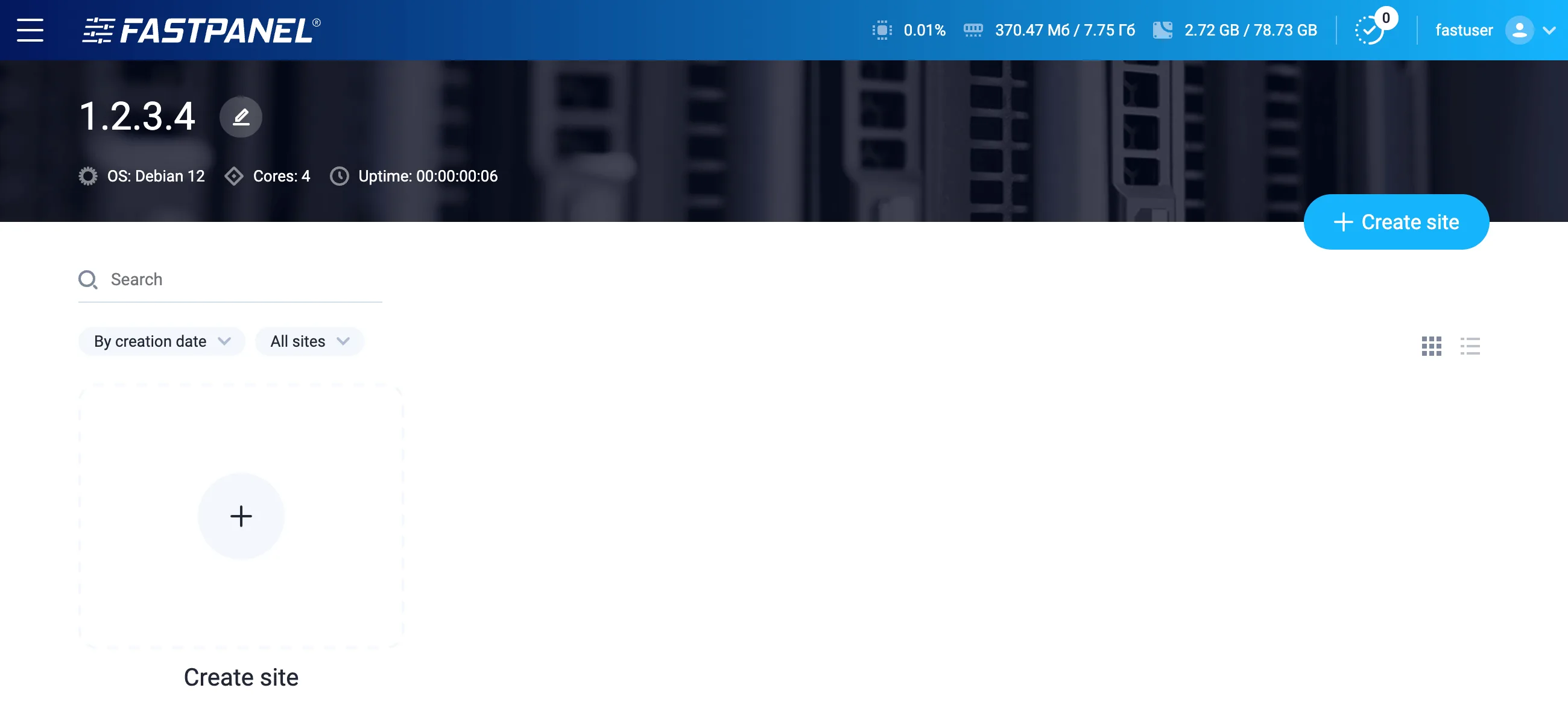
- Server information: At the top of the panel, you see the server IP address, operating system version, number of CPU cores, and current uptime.
- Resource usage: Resource indicators show CPU, RAM, and disk usage in real time.
- Sites: The main area displays your websites. Use the search bar and filters to quickly find a site. To add a new site, click the "+ Create site" button.
- User menu and notifications: In the upper right corner, you can view notifications and access your user profile.
Detailed information on the main FASTPANEL settings can be found in the developer documentation.
Разблокировка SMTP-портов
В целях безопасности исходящие TCP-порты (25, 465 и 587) по умолчанию заблокированы на всех VPS. Это предотвращает рассылку спама. Для снятия блокировки выполните следующие действия:
- Зарегистрируйте доменную зону. A-запись домена должна указывать на IP-адрес сервера.
- Отправьте запрос в техническую поддержку, указав необходимость открытия исходящих SMTP-портов для отправки почты и домен или поддомен отправителя.
- После анализа доменного имени мы примем решение об открытии SMTP-портов и уведомим вас.
Opening SMTP ports may require additional details about your domain name and its intended use.