
ISPConfig
Приложение VPS в один клик
An open-source hosting control panel for managing websites, email, DNS, FTP, and databases on Linux servers. Manage multiple servers from one interface, configure user and reseller access, SSL certificates, and backups. Flexible permissions simplify administration for projects and hosting providers.


Информация
ISPConfig is a flexible and powerful open-source web hosting control panel for Linux servers. It enables you to manage websites, mail accounts, FTP, DNS, databases, and virtualization through an intuitive web interface. ISPConfig supports Apache, Nginx, and LiteSpeed, offers multi-server management from a single panel, automated backups, Let's Encrypt SSL certificates, and fine-grained access control for users and resellers. Designed for both individuals and hosting providers, ISPConfig makes server administration secure, efficient, and scalable.
Core Features
- Multi-server management: Control any number of servers from a single ISPConfig interface, easily expanding your infrastructure.
- Flexible website hosting: Host and manage websites with support for Apache, Nginx, and LiteSpeed. Easily set up domains, subdomains, redirects, and custom configs.
- Comprehensive mail server: Built-in support for Postfix, Dovecot, and Roundcube with antivirus, antispam, and DKIM/Let’s Encrypt integration.
- DNS management: Advanced DNS server configuration and automation, with support for primary and secondary zones, DNSSEC, and cluster setups.
- Database support: Manage MySQL and MariaDB databases, users, and permissions with phpMyAdmin integration.
- FTP and file access: Create and control FTP users for secure file management.
- Automatic SSL certificates: Easily enable free Let's Encrypt SSL for all sites and mail domains.
- Scheduled backups: Configure regular automatic backups for websites, mail, and databases to local or remote storage.
- Reseller and client support: Fine-grained user roles, reseller creation, and customizable access levels for shared hosting.
Getting Started After ISPConfig Deployment
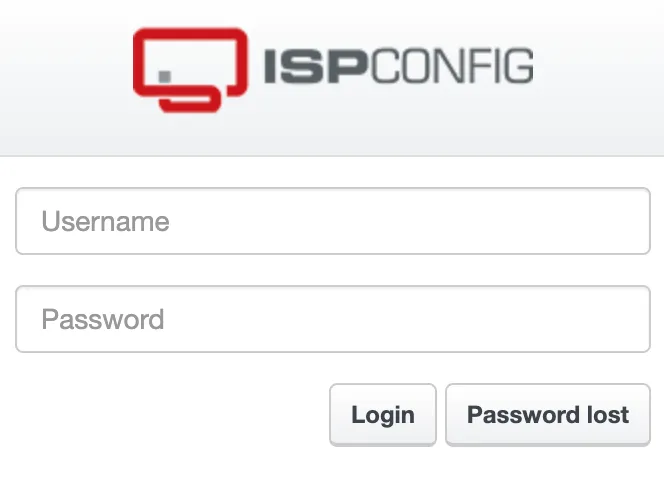
After completing your payment, you will receive an email at the address provided during registration notifying you that your server is ready. This email will include the IP address of your VPS and login credentials to access the ISPConfig web interface:
- Link: Provided in your deployment email
- User: Provided in your deployment email
- Password: Provided in your deployment email
Initial Setup
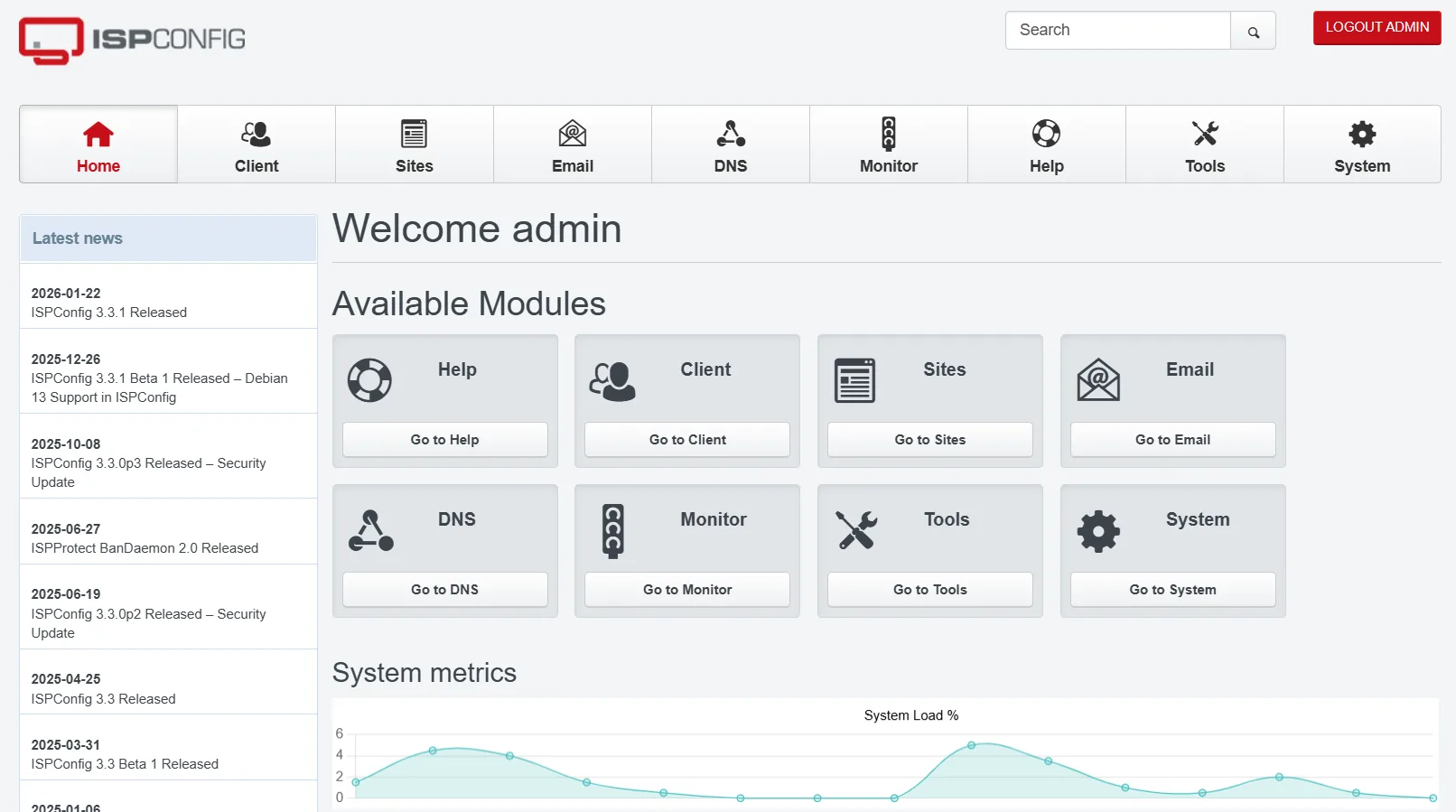
After logging into ISPConfig, you will see a simple and functional control panel with the main sections arranged in the top navigation bar. This layout provides fast access to all essential server and website management tools:
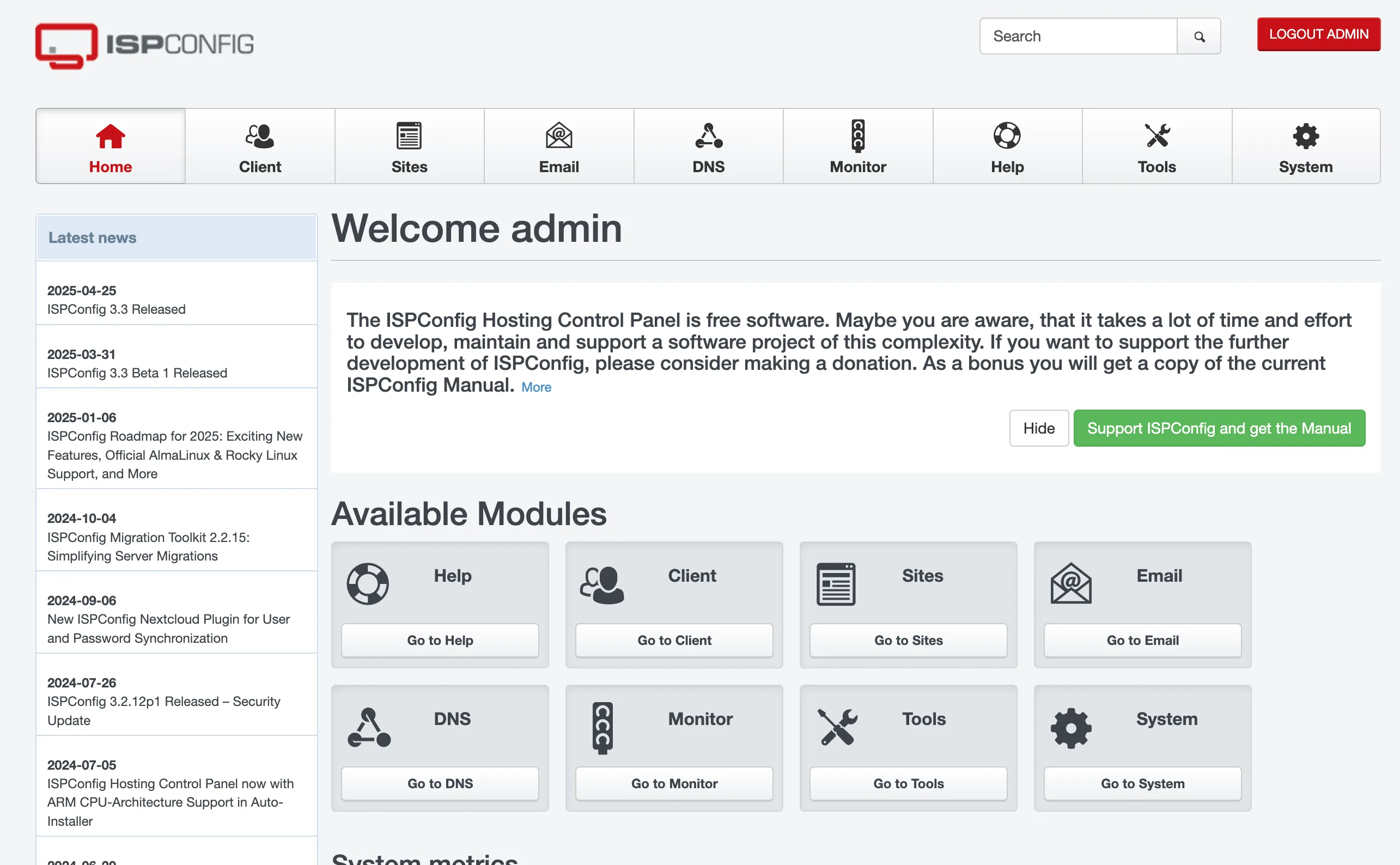
- Home: The main dashboard with system messages, news, and a quick overview of available modules.
- Client: Manage client accounts and user permissions.
- Sites: Add and manage websites, domains, and aliases on your server.
- Email: Configure and manage mail domains, mailboxes, and email settings.
- DNS: Set up DNS zones and manage DNS records for your domains.
- Monitor: Monitor system health, server metrics, and get quick access to usage statistics.
- Help: Get access to ISPConfig documentation and support resources.
- Tools: Use additional server and administration tools.
- System: Access system configuration, server settings, and core management features.
Detailed information on the main ISPConfig settings can be found in the developer documentation.
Разблокировка SMTP-портов
В целях безопасности исходящие TCP-порты (25, 465 и 587) по умолчанию заблокированы на всех VPS. Это предотвращает рассылку спама. Для снятия блокировки выполните следующие действия:
- Зарегистрируйте доменную зону. A-запись домена должна указывать на IP-адрес сервера.
- Отправьте запрос в техническую поддержку, указав необходимость открытия исходящих SMTP-портов для отправки почты и домен или поддомен отправителя.
- После анализа доменного имени мы примем решение об открытии SMTP-портов и уведомим вас.
Opening SMTP ports may require additional details about your domain name and its intended use.